
8 min read
- Calendar
- Clients
- Messages
- HR
- Inventory
- GAIA
- Mobile app
- Website
- Security
October in Asystio: cancellation rules, CRM and the app on its way
A salon can now set how late a client may cancel or move a visit, and the rules also apply to online bookings. In the second half of October we also tidied up the Calendar, CRM and Inbox, extended Inventory, and added the option to connect Asystio to Claude, read-only. The iPhone and Android app is under review in the App Store and Google Play.
Changes from to
Highlights
- The salon sets cancellation and rescheduling rules, and they are enforced for online bookings
- CRM opens on the client list, and the Calendar and Inbox show more of what is actually recorded
- You can connect Asystio to Claude as your own connector, read-only, on the Przewaga plan
Cancellation and rescheduling rules
In booking settings you choose whether a client may cancel or move a visit and how much notice she must give, up to a week ahead. The rule is shown in the business’s public profile.
If a client tries to change a visit after the deadline, she gets a clear message explaining why it is no longer possible. The rules are checked at the moment the change is saved, so they apply the same way in My visits and in online booking.
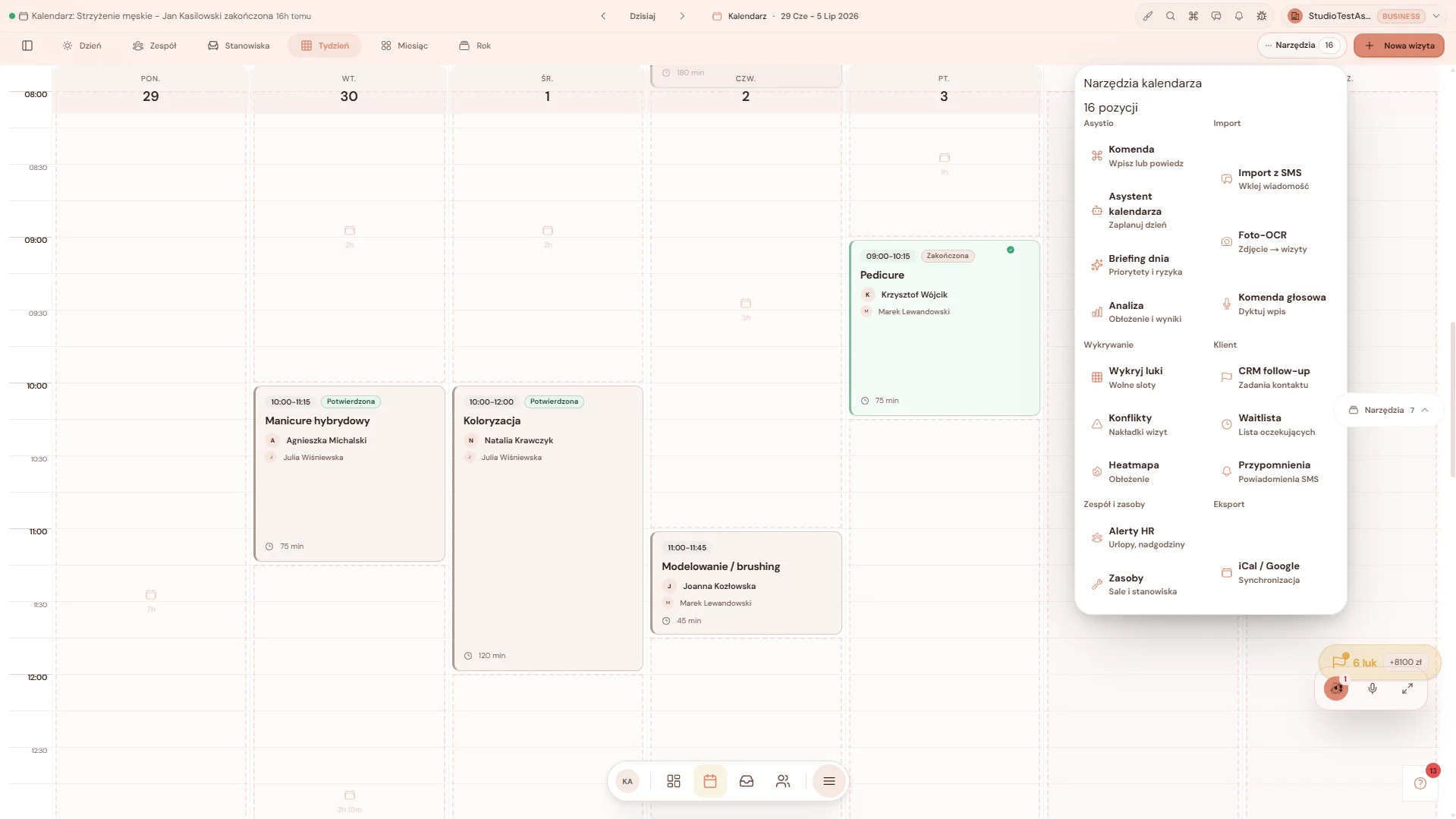
Calendar: one request list, overnight visits and reports
Client requests, meaning the waitlist and request forms, now live in one place: the daily briefing, the dashboard, the bell and the Requests page. Before, the briefing showed requests while the Requests page could be empty. Visits that run past midnight are shown in full, and the team, rooms and year views adapt to the screen width.
The week view and the gap finder count only client visits, leaving out tasks and sales opportunities from the shared view. The daily briefing shows free slots again, matching your opening hours. Calendar analysis and reports rely on recorded visits and prices, and you can download the report as CSV, Excel or PDF.
When you import a calendar file (ICS), the preview immediately rejects all-day, past and one-minute entries and tells you why. If a visit reminder fails to send, the owner gets a notification. A staff member without Inventory access can still choose the location when booking.
CRM starts with the client list
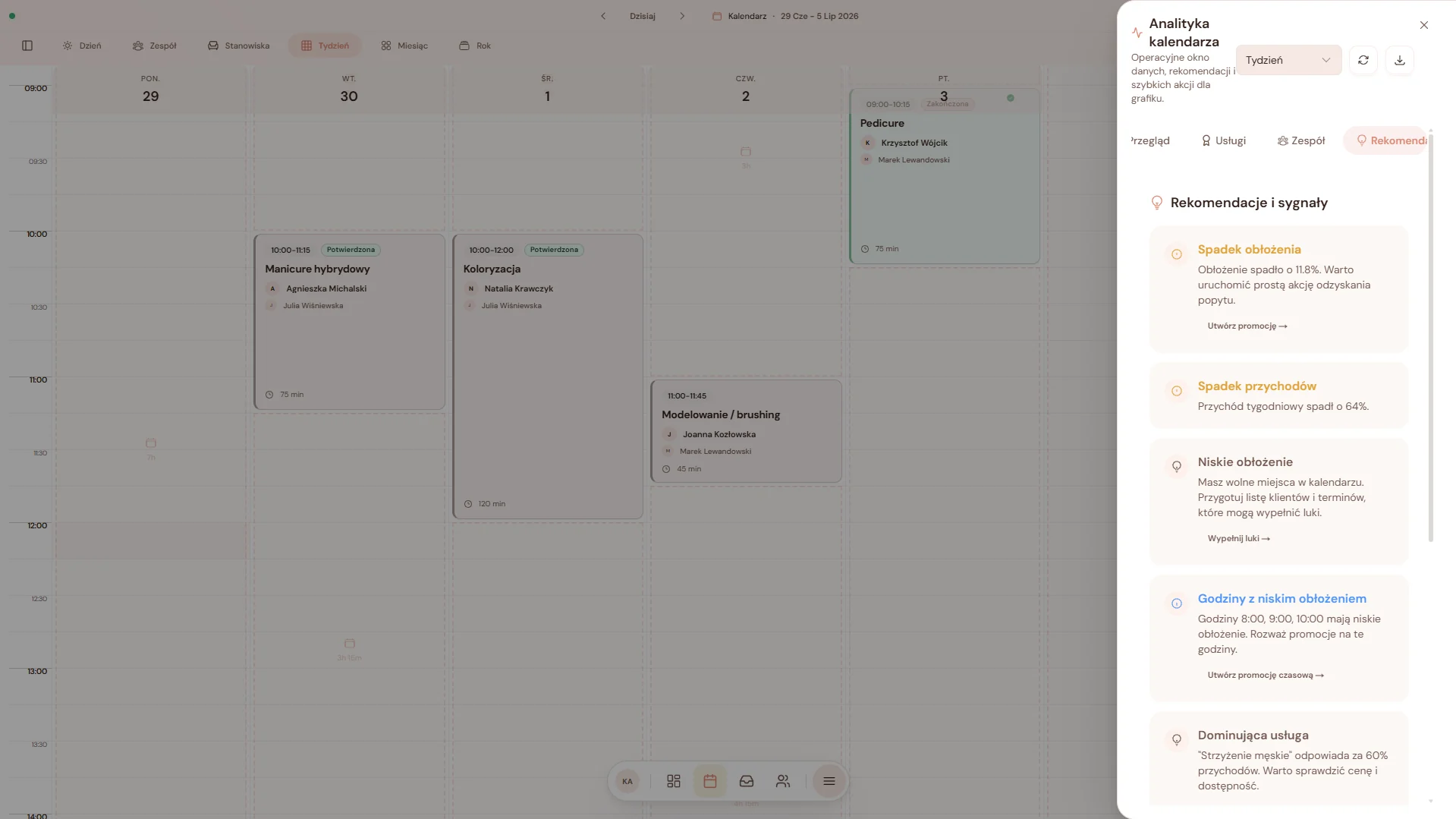
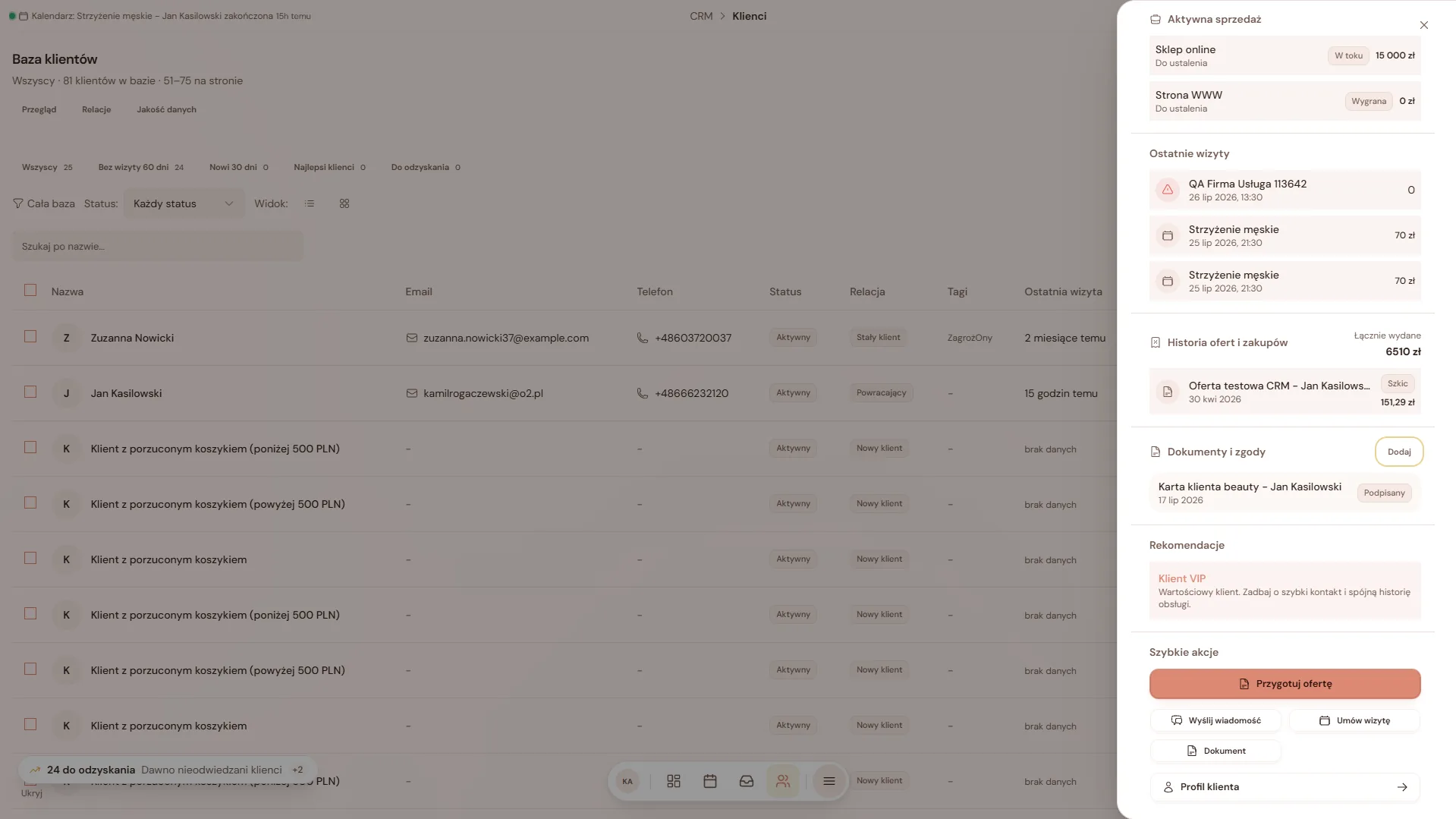
CRM now opens on the client list. Overview, Clients, Sales and Communication sit in fixed groups in the right-hand menu, and on a phone you get a single list called CRM view.
After opening a client card and going back, you return to the same search, filters and list page. The card has three tabs: Overview, History and Client details, and relationships and data quality are filters on the same list. The win-back quick action and the birthday list work again, including in a narrow panel.
Quotes have a single entry point, and the main button changes with the state of the quote. Copy and PDF are in the menu. Sales is linked to the real contact and its owner, and the AI analysis of an opportunity runs only when you ask for it, with the cost shown up front.
An Inbox that feels like a messenger
Conversations in the Inbox look like in a familiar messenger: a message timeline, a contact panel, an emoji picker and a clearer phone layout. Private conversations load only after the session is confirmed.
A suggested reply or task from an email is based on exactly the message you selected, checks your permissions and always needs your review. The notification about a new email is neutral and leads to the right conversation.
Conversations without an assigned staff member are visible on the Inbox list again, in the portal and in the app.
Team: attendance from the calendar and a separate reports permission
The team panel in the calendar shows your own attendance. You can start and end work without leaving the calendar, and the panel can be collapsed.
In team access, Reports is now a separate permission from Analytics. An owner can give someone reports without analytics.
The team invitation fields now work in small windows, and invitations by email and SMS are sent in the language set for the business. We also fixed attendance corrections after updates.
Inventory: deliveries, batches and stock alerts
A delivery receipt is not counted twice if it is submitted again or if several people save it at once. Transfers between locations are safer and do not multiply stock.
Quantities, for example in kilograms or litres, keep up to three decimal places in receipts, movements and corrections. The batch list is paginated, a correction applies to the chosen batch, and a batch hold is not lost when corrections happen in parallel.
Stock alerts send notifications, and a click opens the right alert. You can add your own rules and reminders and view their history. Waste is approved without duplicates, and the names of archived products stay in the waste analysis.

Presentations, your business page and live analysis
In Studio, under Presentations, you work slide by slide in a full-screen 16:9 editor with themes. You can download selected slides as PDF or PPTX and apply your business colours, fonts and logo from the Brand tab. AI generation saves an editable draft.
The business page builder shows template previews right away, and editing a section is guided step by step. AI suggestions apply only to the section you are reviewing.
The business analysis in the Asystio panel shows results as it works: facts first, then further priorities. An interrupted analysis keeps what was already checked, and AI points are charged only for the part that was used.
e-Office: opportunities for your business and alerts
The For your business view brings tenders and funding, meaning subsidies, grants and loans, into one place, with all filters in one panel.
You switch on alerts for new opportunities yourself. You pick keywords, regions and sources, and whether alerts arrive daily or weekly. The alert appears in the app.
Security and sign-in
You can add an Authenticator app as a second step for signing in and confirming sensitive actions. It is optional.
Signing in copes better with a slow check that you are not a robot and no longer logs you out because of it. After losing the connection during verification, it is easier to get back into your session.
A tab left open before an update now refreshes itself instead of showing an error.
Asystio in Claude, read-only
You can connect Asystio to Claude as your own connector, read-only, on the Przewaga plan. You can ask it in your own words about your business context, visits, visit details, clients, a client card, Inbox conversations and a summary of the day.
The connector only reads. It does not send messages, take payments, issue invoices or delete anything. Reads do not use AI points.
An owner or administrator turns it on after accepting the consent screen. Each staff member connects with their own account and sees only what they see in Asystio. The consent screen lets you switch account midway and returns to consent after a session is recovered.
The mobile app is waiting for the stores
The Asystio app for iPhone and Android is under review in the App Store and Google Play. It cannot be downloaded yet, and its scope may still change after review.
The business side has a Today dashboard, a calendar in day, week, month and list views, a new visit with location, visit deletion and a waitlist like in the portal. There is also CRM with a pipeline and automatic segments, HR with schedules, leave requests, attendance and a view of who is working now, plus Inventory, Finance and Workspace. Below are a few screens from the app.
The client side has Discover, booking in three steps with the salon’s rule, My visits, messages with the salon, Wallet, Family, Mirror AI and Refer and earn. A guest can open a salon profile and return to the booking after signing in.
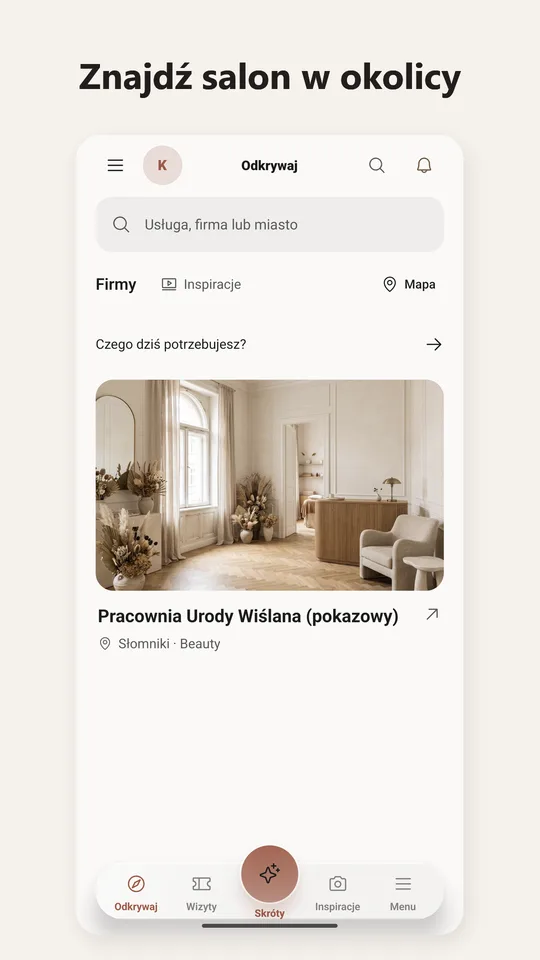
Find a salon nearby 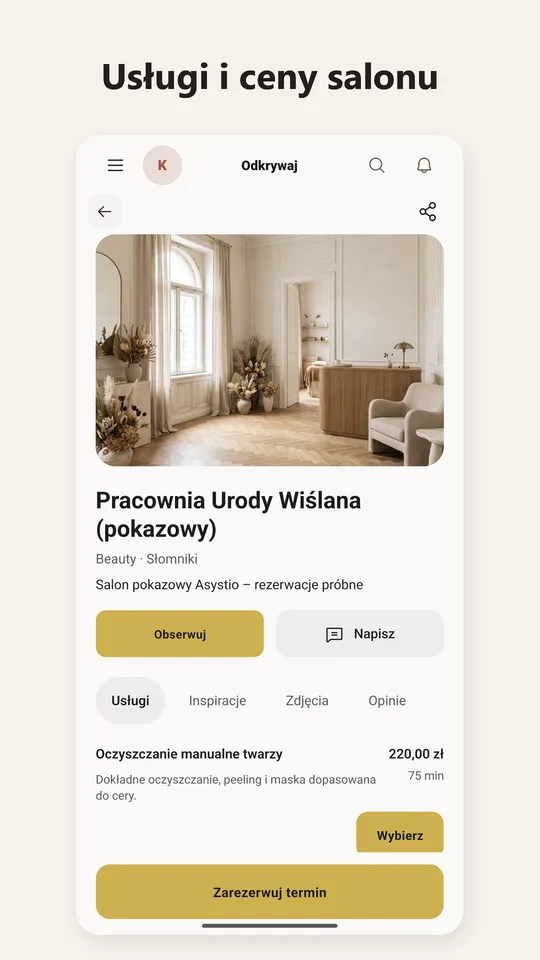
The salon's services and prices 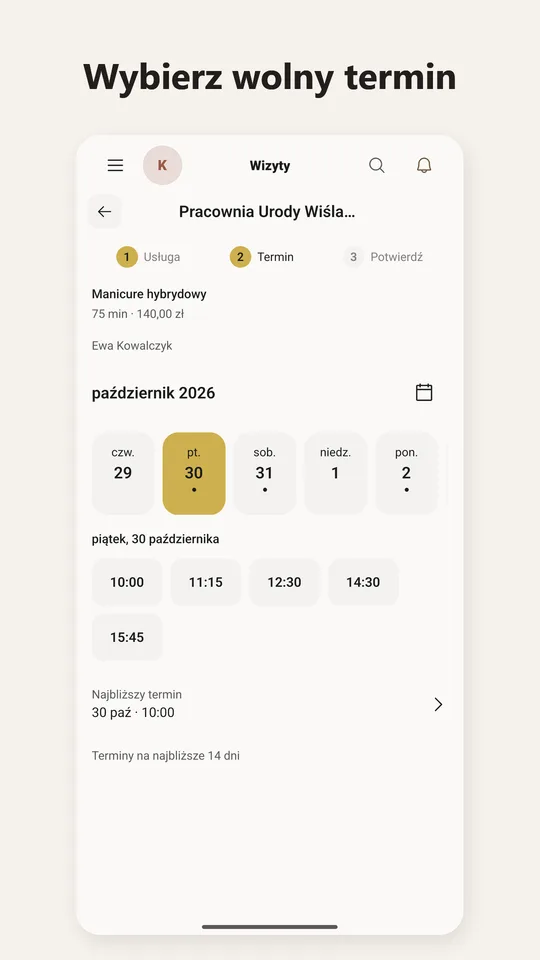
Pick a free slot 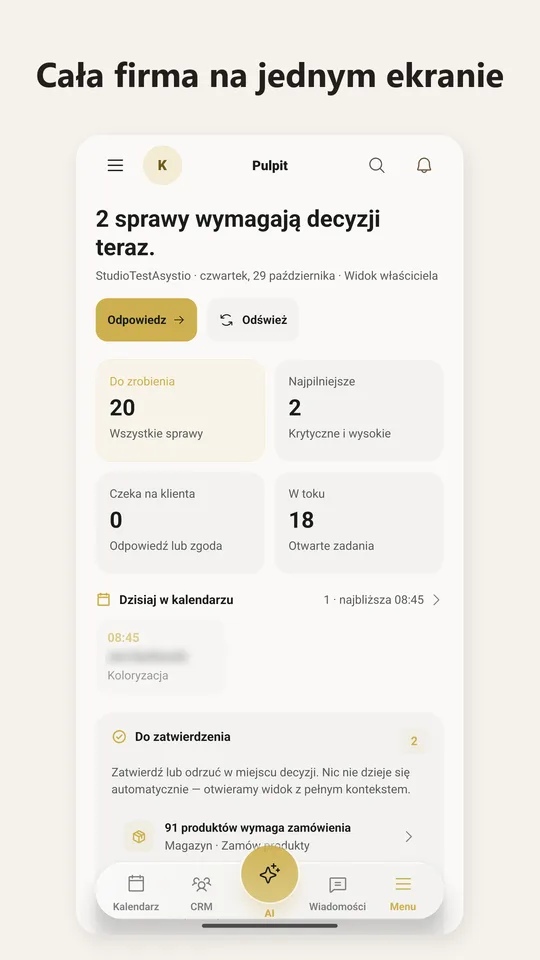
The whole business on one screen 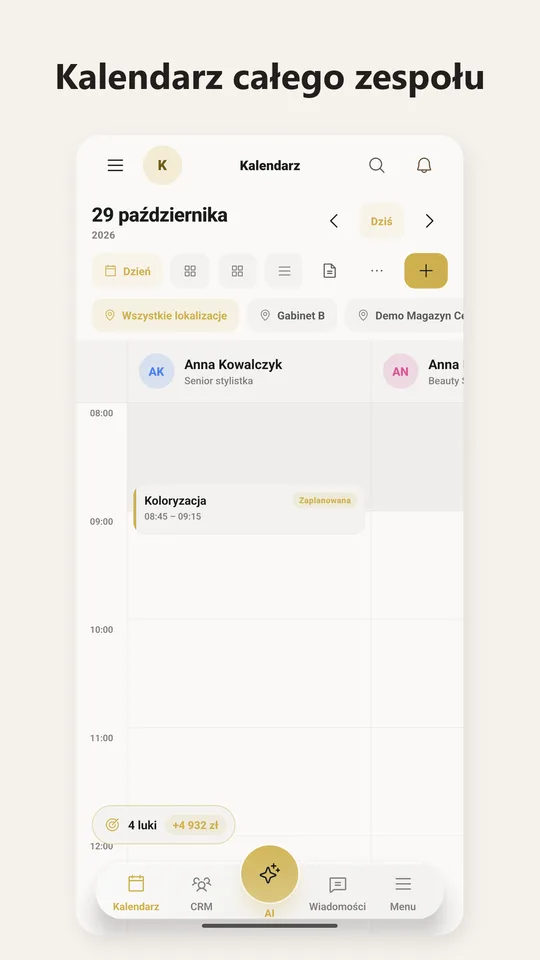
The whole team's calendar 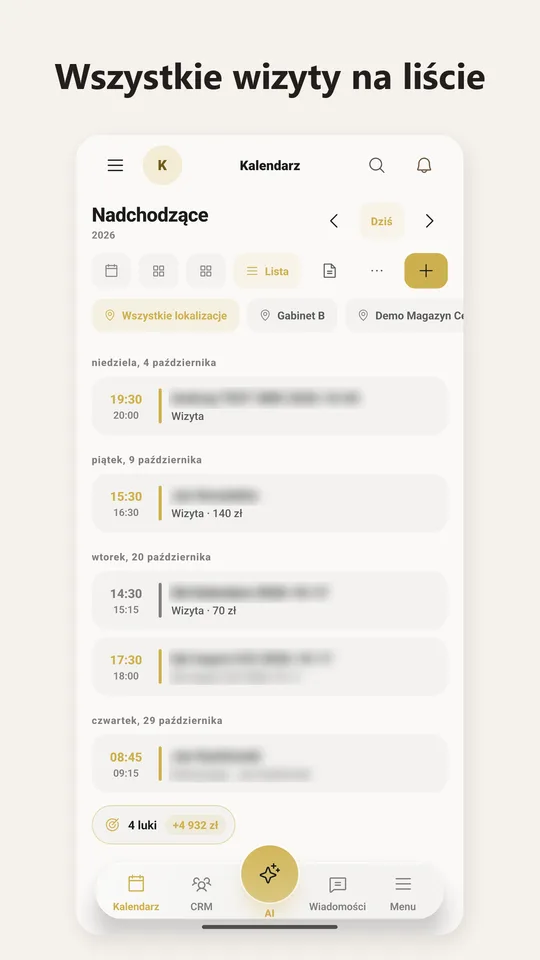
All visits in a list 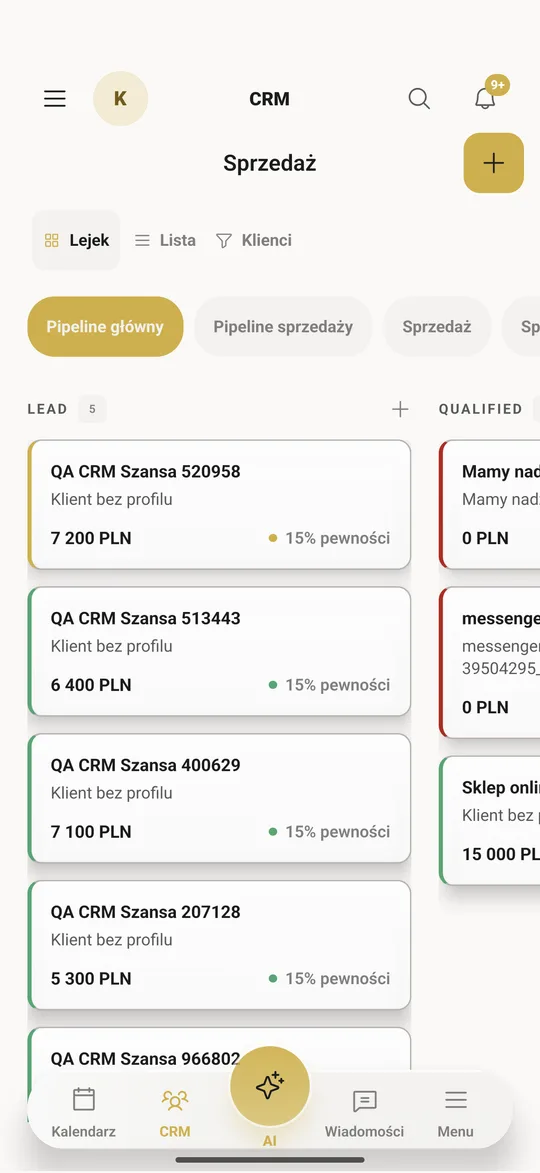
Client cards 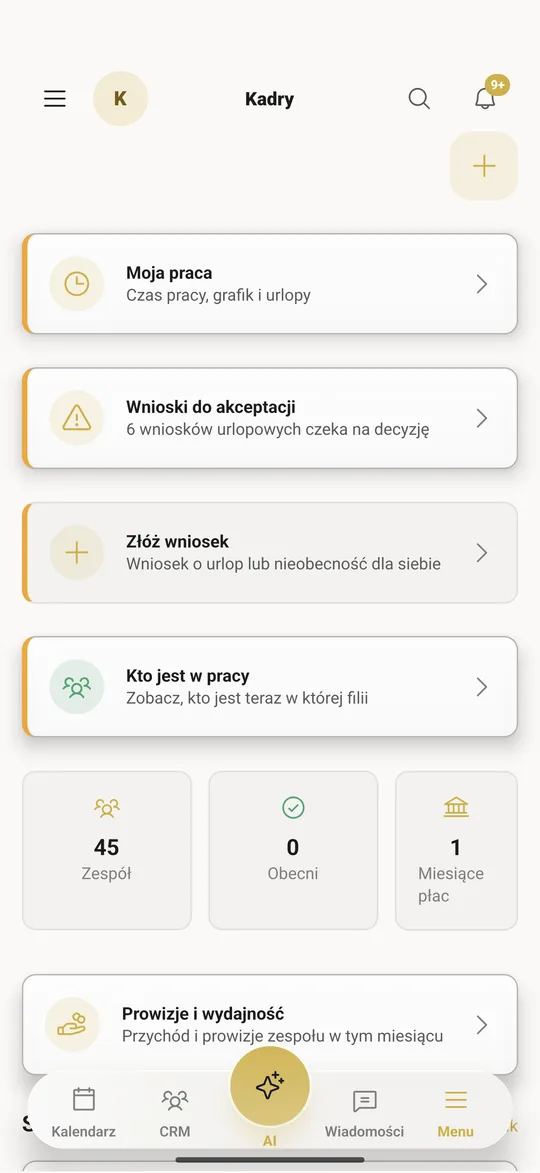
HR
New pages on asystio.pl: pricing, Versum, schedules and Mirror AI
The home page says Asystio is software for a salon, with the price and no commission on the very first screen. The Booksy and Fresha price table was checked on 30 October and cites its sources. Help moving your clients over is free.
New pages: what a salon pays in Booksy, with a calculator that depends on team size, what to do after Versum stops being sold, a 2026 table of salon software with dated prices, a page for barbers, and a free work schedule template as an XLSX file with a leave calculator.
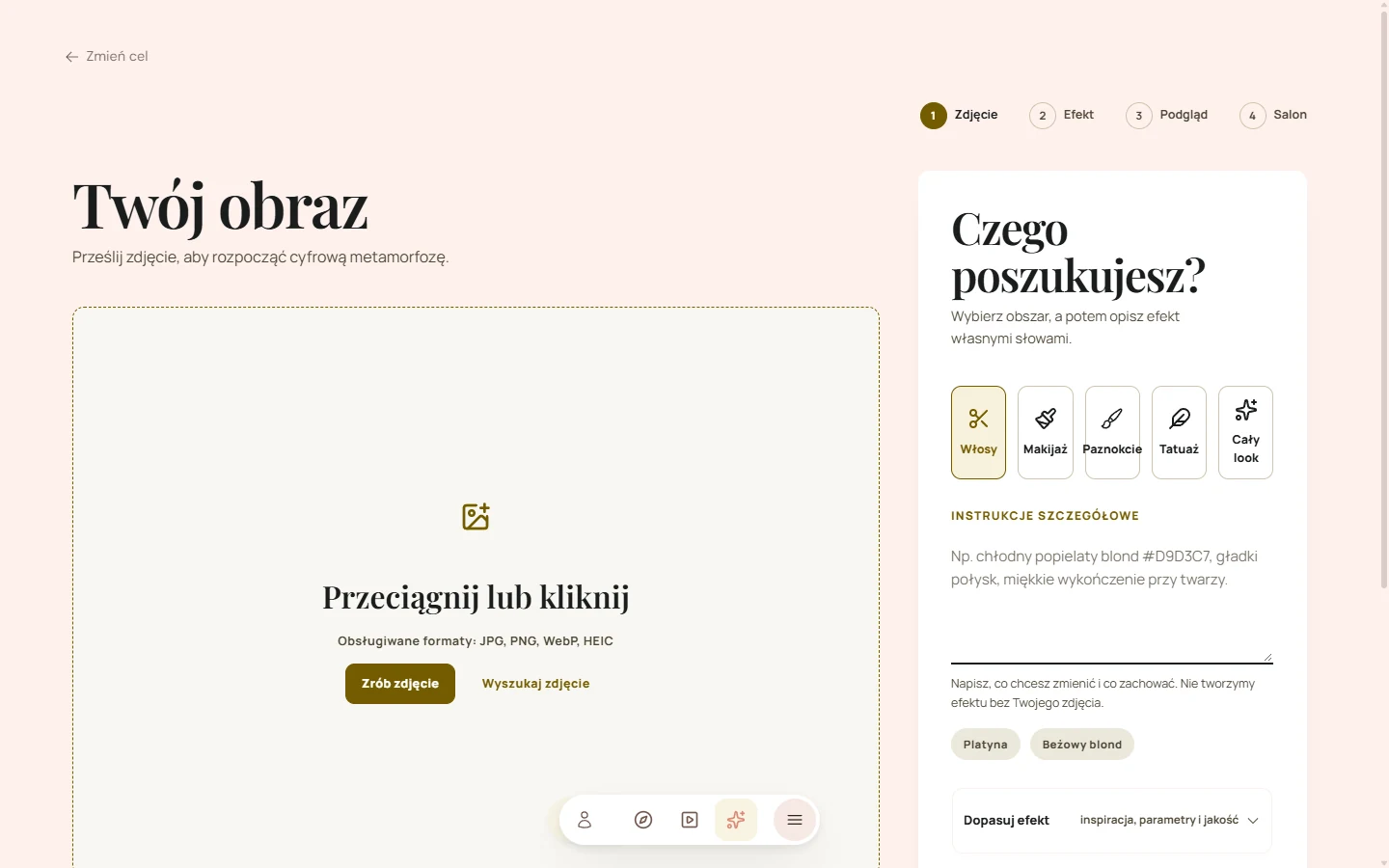
The Mirror AI page is back too, with real screenshots of the public Mirror from 30 October, four steps, FAQ and a section on hair colouring. The main button opens the Mirror in the portal.
This is a roundup of the main changes, not every technical change. Feature availability depends on permissions, business configuration and connected services.
Try it in your business
Try Asystio with your calendar, client records and team, at one price for the whole company.
Once PLN 9.99. Then you decide whether to pay PLN 149 a month. Nothing renews by itself.